DocumentationTools
Prompt Enhancer
A short draft becomes a structured prompt: role, context, steps, constraints and output format. Brain button on Send in chat and projects, result as markdown in a panel.
4 min readUpdated
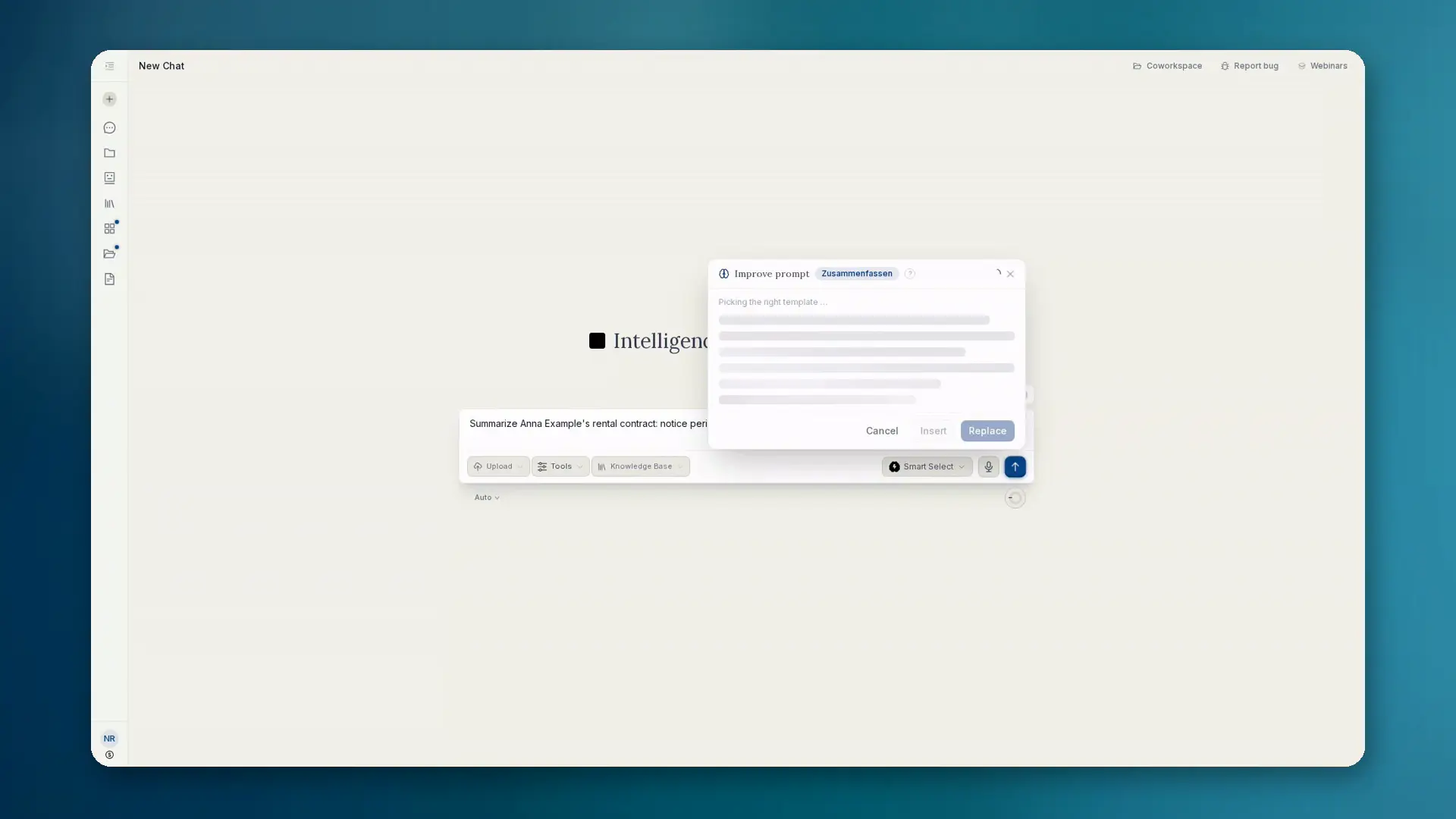
What the Prompt Enhancer does
In the composer of chat and projects you first need draft text. Only then: on desktop hover the Send button, on mobile tap it. The brain button Improve prompt appears. One click rewrites your short draft into a clearly structured prompt.
- Adds role, context, steps, constraints and output format
- Streams the result live as markdown into a panel
- Insert, Replace or Discard. Send stays a separate trigger
Context and templates
The enhancer uses chat history and attached files. Twelve templates match automatically, including Law (DACH), Coding, Analysis, Research, Image, Presentations, Summarize and Translate.
The enhancer runs on an EU-hosted model. The result is markdown and fits the UI.
How to proceed
- 01Type a short draft into the input (without text the button does not appear).
- 02Hover Send (desktop) or tap (mobile) and choose Improve prompt.
- 03Read the live rewrite in the panel.
- 04Insert or replace the draft, then send normally. Or discard.
When you use it
- You have the idea but not yet a clean prompt structure
- Recurring tasks should start with consistent wording
- You want context from files and chat without retyping everything