DocumentationAnonymization
anymize Klartext
Klartext is anymize GDPR-compliant desktop dictation: speak into any app, optionally with anonymization before an AI sees what you said.
5 min readUpdated
What Klartext is
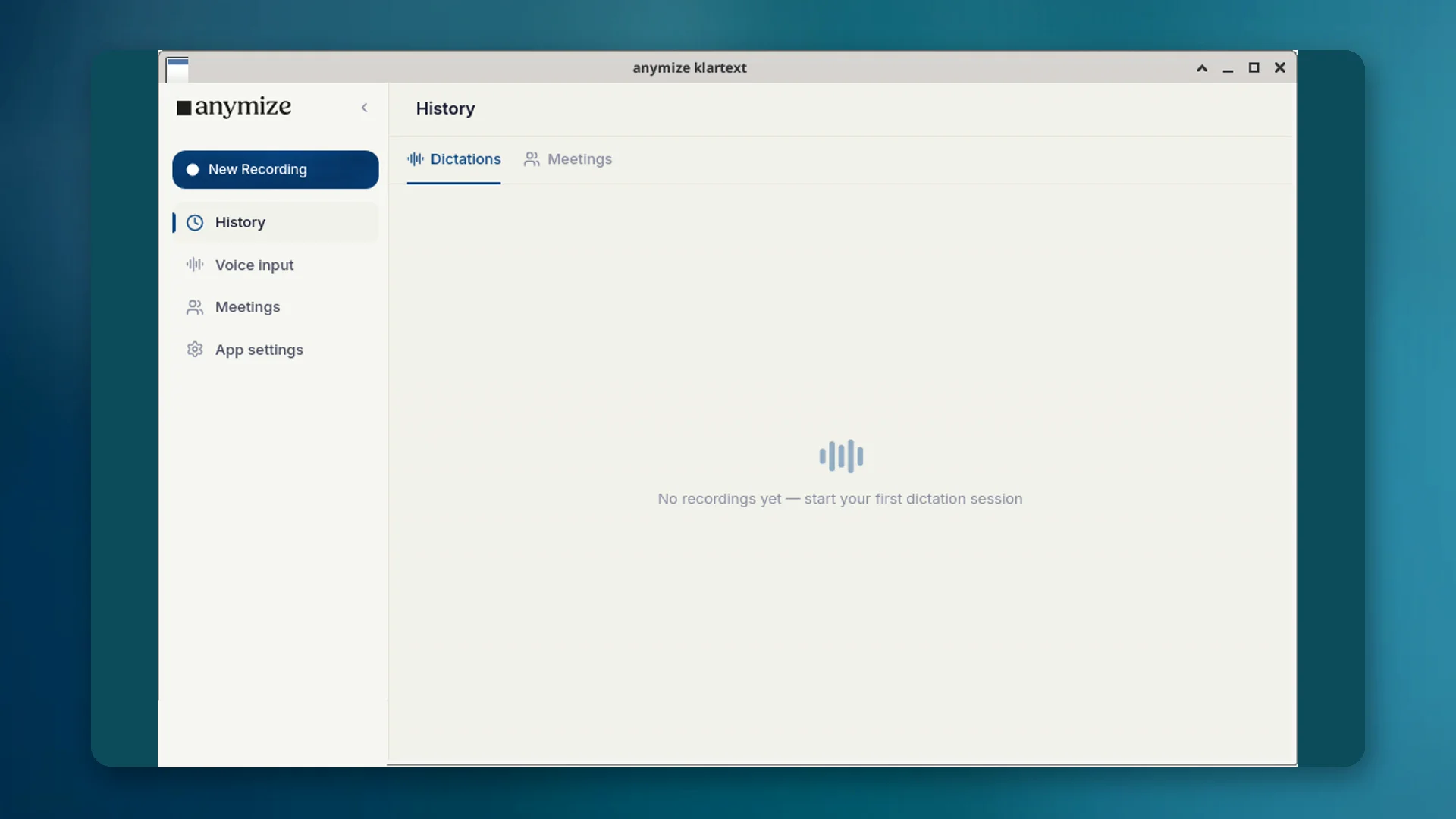
Klartext is the desktop voice-input app in your anymize account. Start recording with a shortcut, speak, and the finished text lands where the cursor is: email, Word, browser, practice software. The AI removes filler words and fixes grammar and punctuation without twisting your meaning.
Under Apps → Klartext you see plain transcripts: desktop dictation, live captures and imported audio files (Import audio file). Meeting jobs with notes live under Apps → Meetings; the Klartext detail page shows text, optional playback, copy/export, without meeting tabs.
Two modes: Plain and Protected
| Mode | Shortcut | Effect | Billing |
|---|---|---|---|
| Plain | Ctrl + Space (Mac: Option + Space) | Normal voice input; text is cleaned and inserted. | Unlimited in Starter, no credits |
| Protected | Ctrl + Shift + Space (Mac: Option + Shift + Space) | Personal data is anonymized before transcription. | Uses anonymization credits |
Protected mode is the decisive difference from US dictation tools: sensitive content stays confidential without you masking every word yourself.
When Klartext instead of chat
Use Klartext when you want to write into another program by speaking. Use chat when you need an answer, analysis or artifact from the AI.
- Dictate a file note in Word → Klartext
- Import audio as a plain transcript → Klartext; with title and notes → Meetings
- Ask a contract question → Chat
- Dictate a sensitive passage that must not reach a model in clear text → Protected mode
How to set it up
- 01Download the Windows, macOS or Linux desktop app from product/klartext and install it.
- 02Sign in with the same anymize account as the web app.
- 03Test the hotkeys: Ctrl + Space for Plain, Ctrl + Shift + Space for Protected (on a Mac, Option instead of Ctrl). You can change them in the app settings.
- 04Optionally maintain your dictionary and snippets so specialist terms stay correct.
Transcripts appear under Apps → Klartext and sync across devices. The same engine is available via API (POST /api/v1/transcriptions, mode=transcript).
Privacy and hosting
Transcription runs through anymize on infrastructure in Germany. In Protected mode, personal data is anonymized before it reaches an AI. The anonymization dictionary (Always / Never) applies as elsewhere on the platform.