DocumentationAnonymisation
Dictionnaire personnel
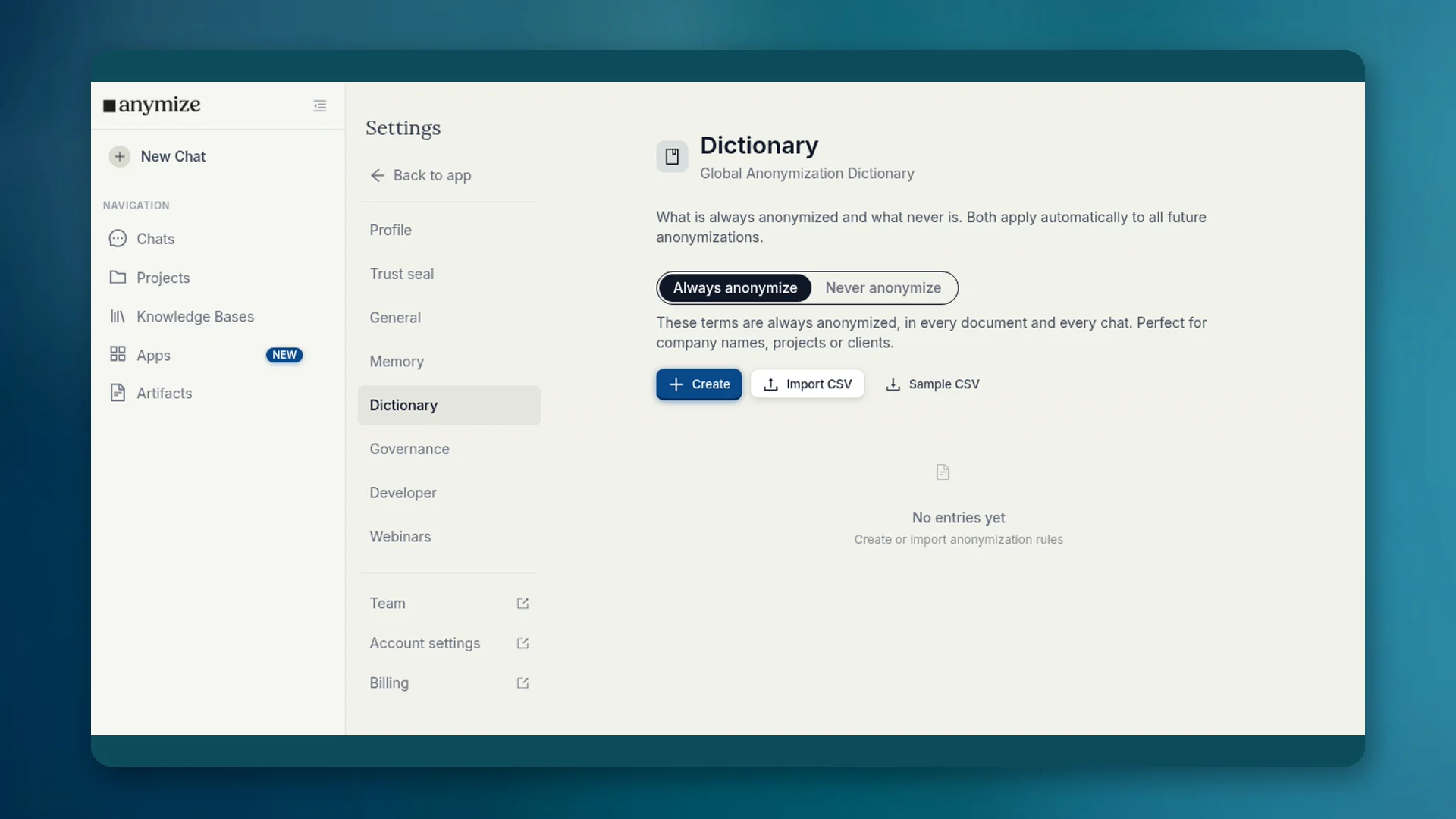
Dans le dictionnaire vous décidez quels termes sont toujours anonymisés et lesquels ne le sont jamais. Les listes s'appliquent automatiquement dans chaque chat et document.
4 min de lectureMis à jour le
À quoi sert le dictionnaire
La détection ne connaît pas tes termes internes. Un nom de projet peut rester en clair alors qu'il est sensible. Le nom de ton cabinet peut devenir un espace réservé et rendre les réponses difficiles à lire. Le dictionnaire corrige les deux durablement.
Où le trouver
- Apps → Dictionnaire : la même interface dans l'espace Apps.
- Paramètres → Dictionnaire : dictionnaire d'anonymisation global du compte.
- Governance Center → Dictionnaire : entrées d'équipe pour les admins (voir l'article dédié).
Apps et Paramètres affichent tes listes. Les entrées valables pour tous les membres sont gérées par les propriétaires et admins dans le dictionnaire du Governance Center.
Toujours et Jamais
| Liste | Exemple | Effet |
|---|---|---|
| Toujours anonymiser | Nom du client, projet interne, nom de code | Devient un espace réservé dans chaque document et chat |
| Ne jamais anonymiser | Nom de ton cabinet, nom de produit, terme technique | Reste en clair et parvient au modèle inchangé |
Crée des entrées avec Créer ou importe un CSV. Pour Toujours anonymiser, tu choisis aussi la catégorie d'espace réservé (personne, organisation, lieu et autres).
Personnel et Governance
Ton dictionnaire personnel s'applique à toi. Les entrées d'équipe s'appliquent à tous et ne peuvent être définies que par les propriétaires et admins, car elles modifient l'anonymisation de toute l'équipe. Les détails et la règle Bloquer le dictionnaire d'équipe se trouvent sous Governance → Dictionnaire.
En bref : ici, les réglages fins pour toi. Les règles contraignantes de la maison, dans le dictionnaire du Governance Center.
Cas typiques
- Le nom de ton entreprise est détecté à tort comme organisation → Ne jamais anonymiser.
- Le nom de code d'un client n'est pas détecté → Toujours anonymiser.
- Un terme de droit fiscal ressemble à un nom → Ne jamais anonymiser.