DocumentationPour les admins
Modèles personnalisés (BYOM)
Bring Your Own Model: connectez des endpoints compatibles OpenAI avec Name, Endpoint URL, Model id et clé API. Clés chiffrées AES-256-GCM, anonymisation en amont, droits via Governance Center.
5 min de lectureMis à jour le
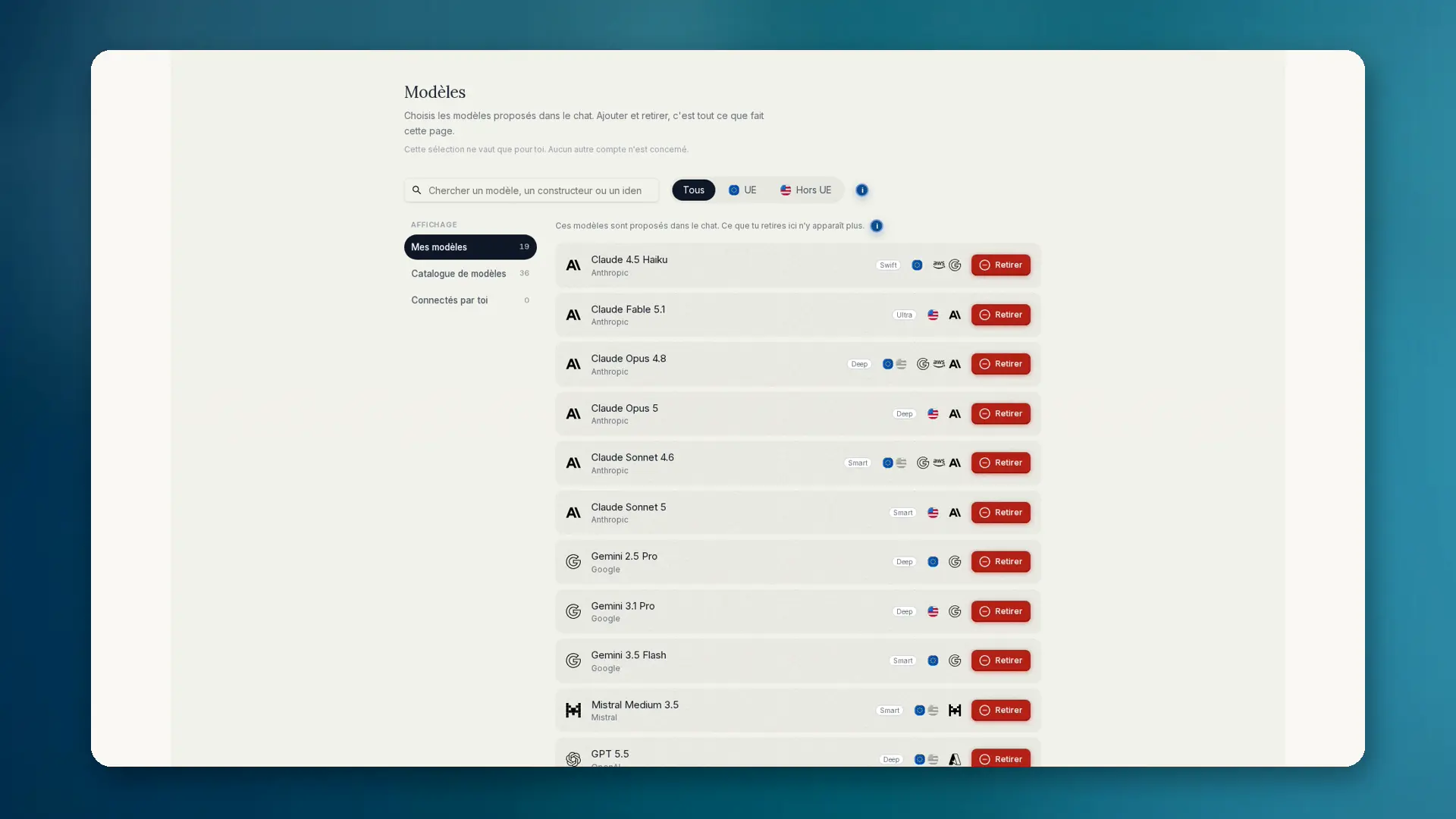
Qu'est-ce que Bring Your Own Model
Certaines équipes exploitent leurs propres modèles : auto-hébergés, en déploiement cloud ou chez un fournisseur européen. Avec BYOM, tu connectes à anymize n'importe quel modèle compatible OpenAI. Il te faut un nom, l'URL du point de terminaison, l'identifiant du modèle et une clé API.
- Tester la connexion avant la mise en service
- Icône personnalisée en option pour le sélecteur de modèles
- Apparaît sous Connectés par toi / modèles personnalisés
- À créer pour toi ou pour l'équipe
- Les modèles personnels ne consomment pas de crédits anymize ; tu paies le fournisseur
Comment le configurer
- 01Ouvre Paramètres et choisis Governance.
- 02Ouvre le Governance Center, puis Modèles → Connectés par toi → Ajouter un modèle.
- 03Saisis le nom, l'URL du point de terminaison, l'identifiant du modèle et la clé API (compatible OpenAI).
- 04Clique sur Tester la connexion. Ce n'est qu'ensuite que le modèle est sélectionnable dans le chat. Les modèles personnels ne consomment pas de crédits anymize.
- 05Choisis une icône si tu veux. Dans le chat, sélectionne le modèle sous Connectés par toi / modèles personnalisés.
La clé API est stockée chiffrée en AES-256-GCM et n'est jamais renvoyée au navigateur. Avant chaque utilisation, anymize vérifie à qui elle appartient.
Gouvernance et anonymisation
L'anonymisation s'exécute avant BYOM comme avant tout autre modèle. Les autorisations de modèles par groupe s'appliquent aussi. Les admins peuvent bloquer les modèles personnels pour toute l'équipe : règle de conformité Bloquer les modèles personnels. Les modèles d'équipe restent autorisés.
Les détails sur le choix des modèles et la différence entre sélection et autorisation se trouvent sous Governance : Modèles.
Quand BYOM a du sens
- Modèle propre sur site ou hébergé dans l'UE avec un contrat spécifique
- Modèles internes absents du catalogue public
- Équipes qui veulent réunir modèle et gouvernance sur un seul poste de travail