DocumentationOutils
Améliorateur de prompt
Un brouillon court devient un prompt structuré via le bouton cerveau sur Envoyer.
4 min de lectureMis à jour le
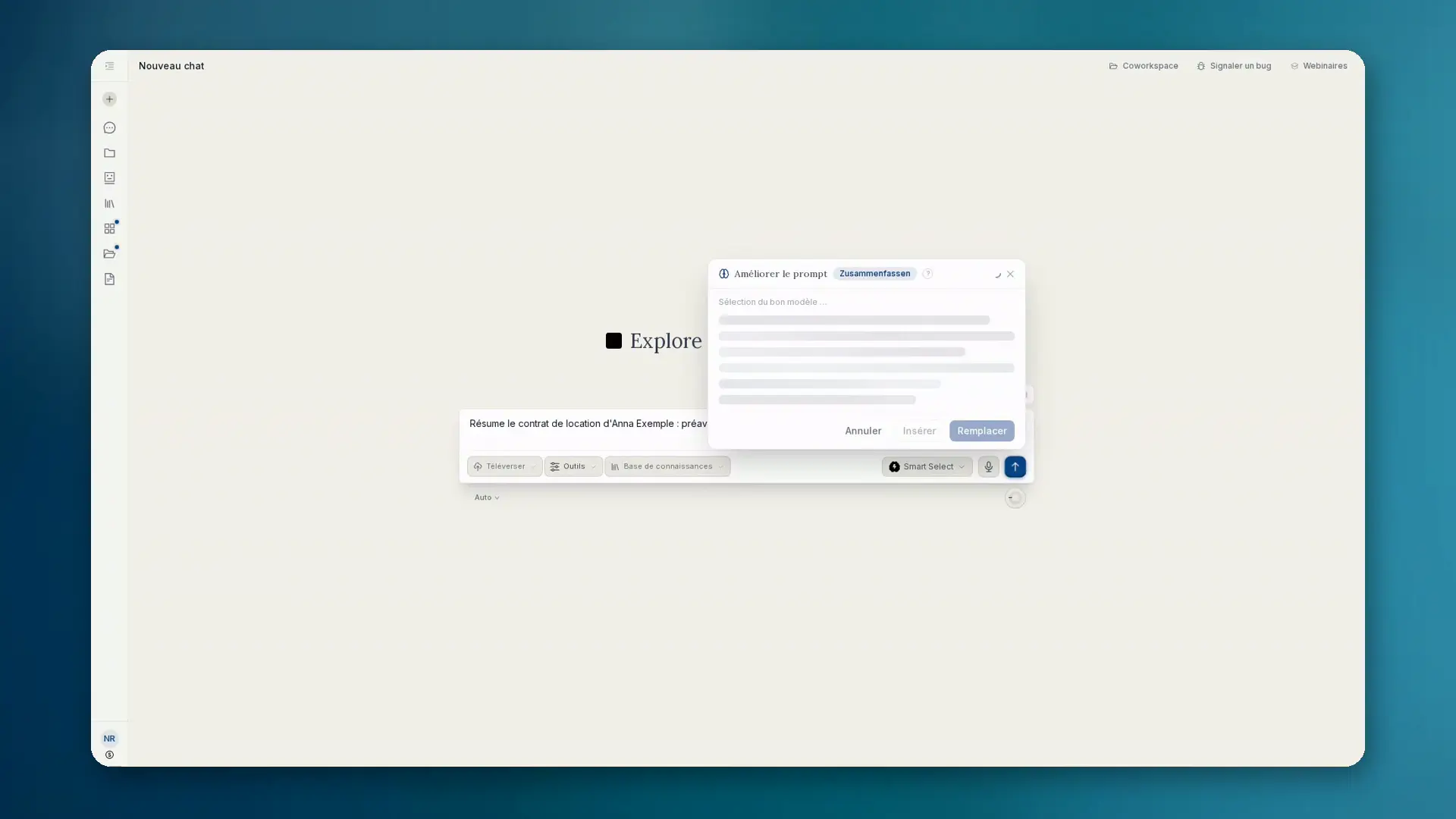
Ce que fait l'amélioreur de prompt
Dans la zone de saisie du chat et des projets, il te faut d'abord un brouillon. Ensuite seulement : sur ordinateur, survole le bouton Envoyer ; sur mobile, appuie dessus. Le bouton Améliorer le prompt apparaît. Un clic transforme ton court brouillon en prompt clairement structuré.
- Ajoute rôle, contexte, étapes, contraintes et format de sortie
- Affiche le résultat en direct en markdown dans un panneau
- Insérer, Remplacer ou Annuler. L'envoi reste une action séparée
Contexte et modèles
L'amélioration utilise l'historique du chat et les fichiers joints. Douze modèles s'appliquent automatiquement, dont Droit (DACH), Code, Analyse, Recherche, Image, Présentations, Résumé et Traduction.
L'amélioration tourne sur un modèle hébergé dans l'UE. Le résultat est en markdown et s'intègre à l'interface.
Comment procéder
- 01Saisis un court brouillon (sans texte, le bouton n'apparaît pas).
- 02Survole Envoyer (ordinateur) ou appuie (mobile) et choisis Améliorer le prompt.
- 03Lis la réécriture en direct dans le panneau.
- 04Insère ou remplace le brouillon, puis envoie normalement. Ou annule.
Quand l'utiliser
- Tu as l'idée mais pas encore une structure de prompt propre
- Les tâches récurrentes doivent démarrer avec une formulation cohérente
- Tu veux le contexte des fichiers et du chat sans tout ressaisir