DocumentaciónAnonimización
anymize Klartext
Klartext es la dictación de escritorio conforme al RGPD de anymize: dicta en cualquier programa, con anonimización opcional antes de que una IA vea lo dicho.
5 min de lecturaActualizado el
Qué es Klartext
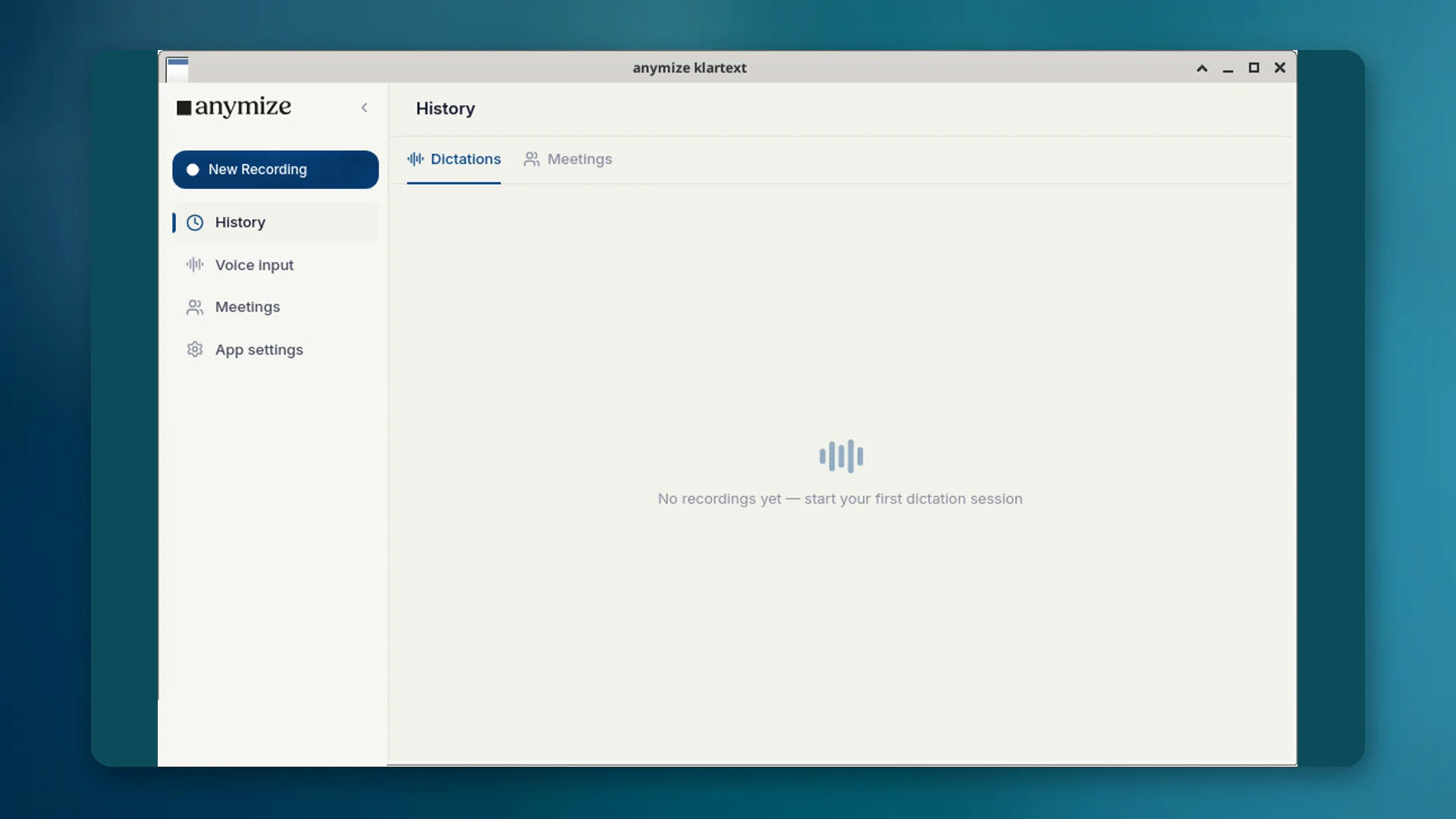
Klartext es la aplicación de escritorio de entrada por voz de tu cuenta de anymize. Inicia la grabación con un atajo, habla, y el texto terminado aparece donde está el cursor: correo, Word, navegador, software profesional. La IA elimina muletillas y corrige gramática y puntuación sin alterar lo que quieres decir.
En Apps → Klartext ves transcripciones simples: dictado de escritorio, grabaciones en directo y archivos de audio importados (Importar archivo de audio). Las grabaciones de reuniones con notas están en Apps → Reuniones; la página de detalle de Klartext muestra el texto, la reproducción opcional, copiar y exportar, sin pestañas de reunión.
Dos modos: Klartext y Protegido
| Modo | Atajo | Efecto | Facturación |
|---|---|---|---|
| Normal | Ctrl + Espacio (Mac: Option + Espacio) | Entrada por voz normal; el texto se limpia y se inserta. | Ilimitado en Starter, sin créditos |
| Protegido | Ctrl + Mayús + Espacio (Mac: Option + Mayús + Espacio) | Los datos personales se anonimizan antes de la transcripción. | Usa créditos de anonimización |
El modo Protegido marca la diferencia frente a las herramientas de dictado estadounidenses: el contenido sensible sigue siendo confidencial sin que tengas que ocultar cada palabra tú mismo.
Cuándo Klartext en lugar del chat
Usa Klartext cuando quieras escribir en otro programa hablando. Usa el chat cuando necesites una respuesta, un análisis o un artefacto de la IA.
- Dictar una nota de expediente en Word → Klartext
- Importar audio como transcripción simple → Klartext; con título y notas → Reuniones
- Hacer una pregunta sobre un contrato → Chat
- Dictar un pasaje sensible que no debe llegar a un modelo en texto claro → modo Protegido
Cómo configurarlo
- 01Descarga la aplicación de escritorio para Windows, macOS o Linux desde product/klartext e instálala.
- 02Inicia sesión con la misma cuenta de anymize que en la aplicación web.
- 03Prueba los atajos: Ctrl + Espacio para Normal, Ctrl + Mayús + Espacio para Protegido (en Mac, Option en lugar de Ctrl). Puedes cambiarlos en los ajustes de la app.
- 04Si quieres, mantén tu diccionario y tus fragmentos de texto para que los términos técnicos sigan siendo correctos.
Las transcripciones aparecen en Apps → Klartext y se sincronizan entre dispositivos. El mismo motor está disponible por API (POST /api/v1/transcriptions, mode=transcript).
Privacidad y hosting
La transcripción pasa por anymize en infraestructura alojada en Alemania. En modo Protegido, los datos personales se anonimizan antes de llegar a una IA. El diccionario de anonimización (Siempre / Nunca) se aplica como en el resto de la plataforma.