DocumentaciónPara admins
Modelos propios (BYOM)
Bring Your Own Model: conecta endpoints compatibles con OpenAI con Name, Endpoint URL, Model id y clave API. Claves cifradas AES-256-GCM, anonimización delante, permisos vía Governance Center.
5 min de lecturaActualizado el
Qué es Bring Your Own Model
Algunos equipos ejecutan sus propios modelos: autoalojados, como despliegue en la nube o con un proveedor de la UE. Con BYOM conectas a anymize cualquier modelo compatible con OpenAI. Necesitas nombre, URL del endpoint, ID del modelo y clave de API.
- Prueba la conexión antes de ponerlo en marcha
- Icono propio opcional para el selector de modelos
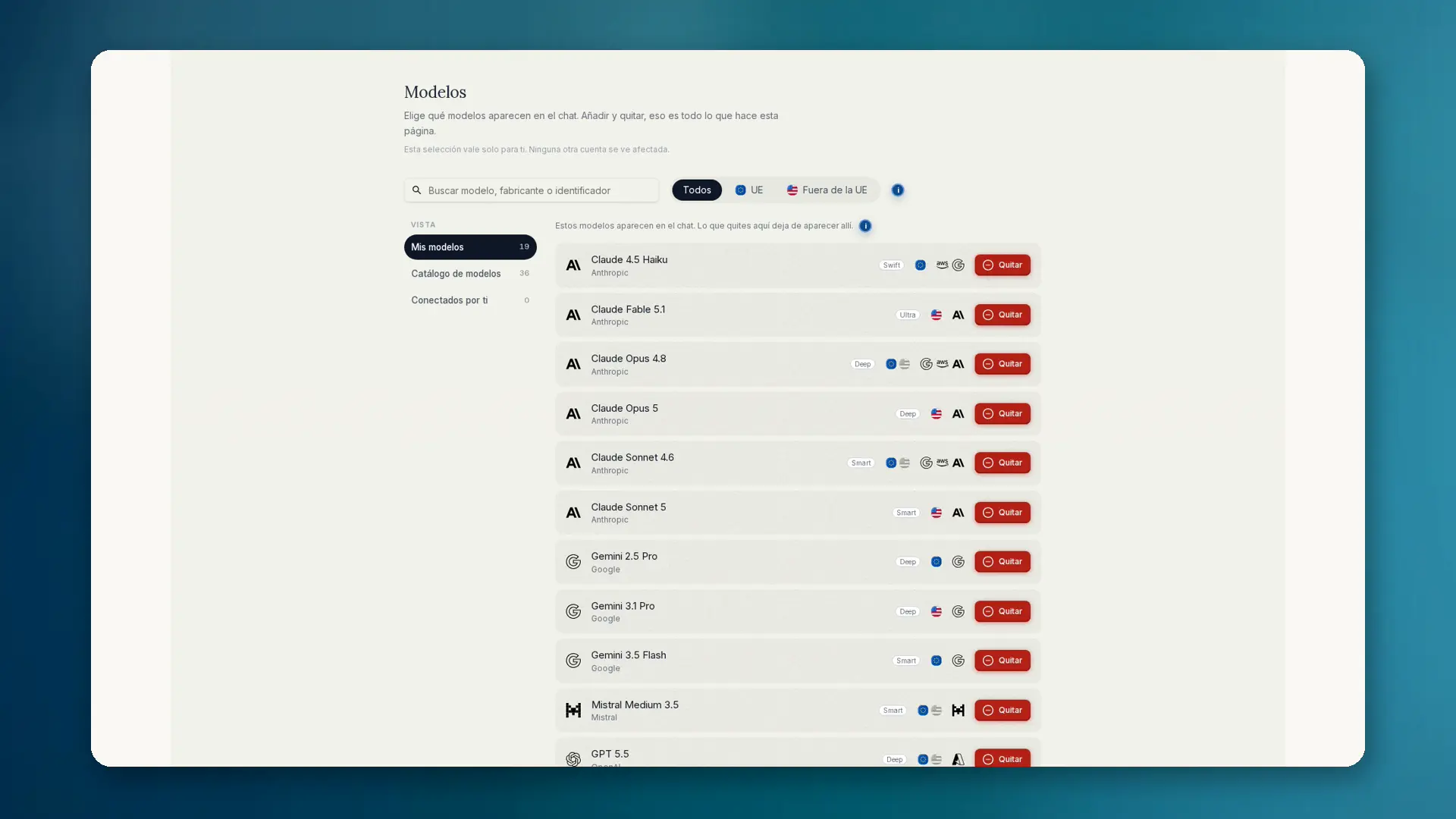
- Aparece en Conectados por ti / modelos propios
- Créalo a título personal o para el equipo
- Los modelos propios no consumen créditos de anymize; pagas al proveedor
Cómo configurarlo
- 01Abre Ajustes y elige Governance.
- 02Abre el Governance Center y luego Modelos → Conectados por ti → Añadir modelo.
- 03Introduce nombre, URL del endpoint, ID del modelo y clave de API (compatible con OpenAI).
- 04Pulsa Probar conexión. Solo entonces se puede elegir el modelo en el chat. Los modelos propios no consumen créditos de anymize.
- 05Si quieres, elige un icono. En el chat, selecciónalo en Conectados por ti / modelos propios.
La clave de API se guarda cifrada con AES-256-GCM y nunca se devuelve al navegador. Antes de cada uso, anymize comprueba a quién pertenece.
Gobernanza y anonimización
La anonimización se ejecuta antes de BYOM igual que antes de cualquier otro modelo. Los permisos de modelos por grupo también se aplican aquí. Los admins pueden bloquear los modelos propios personales para todo el equipo: regla de cumplimiento Bloquear modelos propios personales. Los modelos de equipo siguen permitidos.
Los detalles sobre la elección de modelos y la diferencia entre selección y permiso están en Governance: Modelos.
Cuándo tiene sentido BYOM
- Modelo propio local o alojado en la UE con un contrato especial
- Modelos internos que no están en el catálogo público
- Equipos que quieren modelo y gobernanza en un mismo puesto de trabajo