DokumentasjonAnonymisering
Personlig ordbok
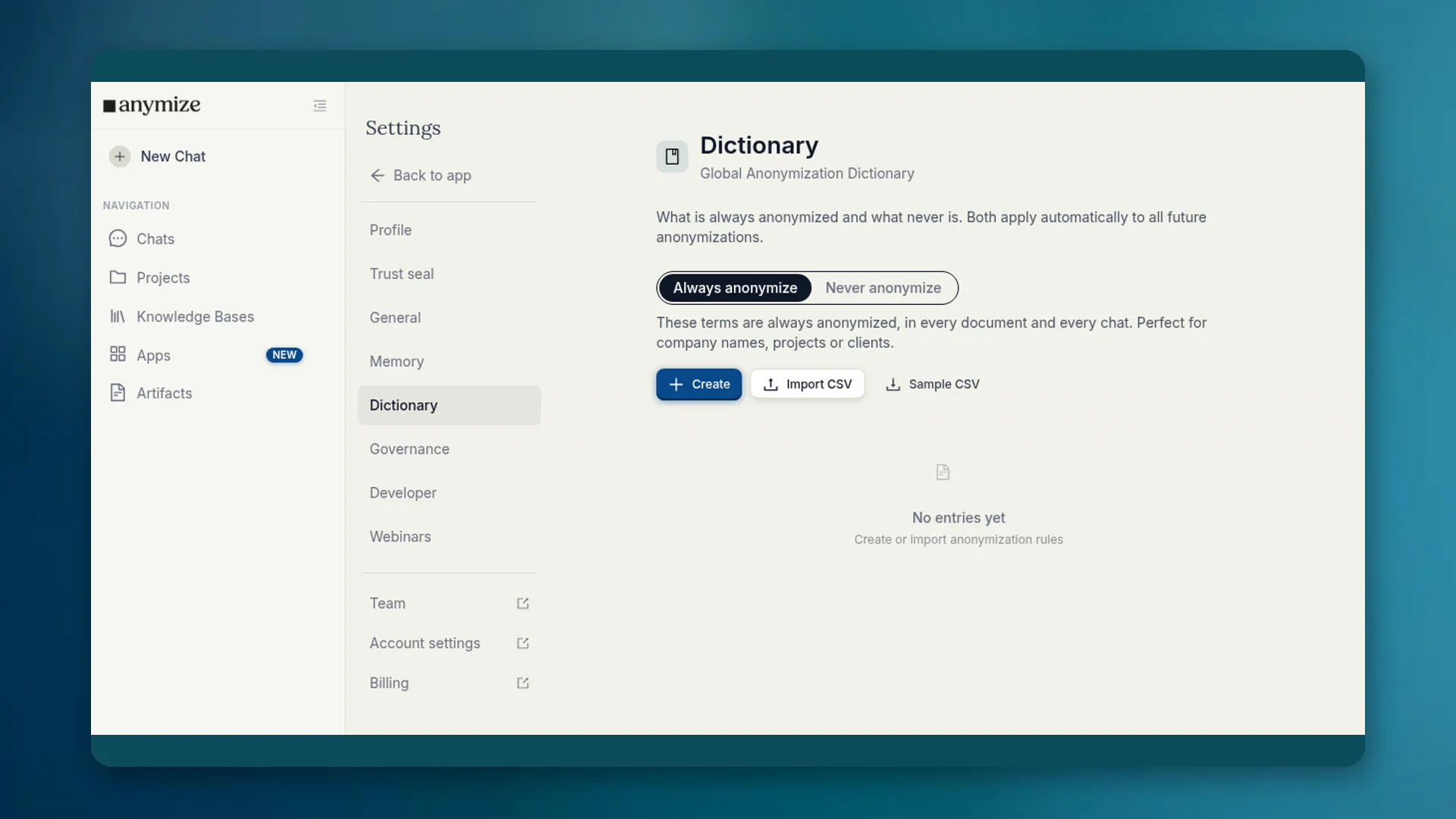
I ordboken bestemmer du hvilke begreper som alltid anonymiseres, og hvilke som aldri gjør det. Listene gjelder automatisk i hver chat og hvert dokument.
4 min lesetidOppdatert
Hva ordboken er til
Gjenkjenningen kjenner ikke deres interne begreper. Et prosjektnavn kan bli stående i klartekst selv om det er sensitivt. Firmanavnet kan bli en plassholder og gjøre svarene vanskelige å lese. Ordboken retter begge deler permanent.
Hvor du finner den
- Apps → Ordbok: det samme grensesnittet i Apps-området.
- Innstillinger → Ordbok: global anonymiseringsordbok i kontoen.
- Governance Center → Ordbok: teamoppføringer for admins (se egen artikkel).
Apps og Innstillinger viser listene dine. Oppføringer som gjelder for alle medlemmer, administreres av eiere og admins i Governance-ordboken.
Alltid og Aldri
| Liste | Eksempel | Virkning |
|---|---|---|
| Anonymiser alltid | Klientnavn, internt prosjekt, kodenavn | Blir en plassholder i alle dokumenter og chatter |
| Anonymiser aldri | Firmanavnet deres, produktnavn, fagbegrep | Blir stående i klartekst og når modellen uendret |
Opprett oppføringer med Opprett, eller importer en CSV-fil. For Anonymiser alltid velger du også plassholderkategorien (person, organisasjon, sted og flere).
Personlig og Governance
Den personlige ordboken din gjelder for deg. Teamoppføringer gjelder for alle og kan bare settes av eiere og admins, fordi de endrer anonymiseringen for hele teamet. Detaljer og regelen Blokker teamordbok står under Governance → Ordbok.
Kort sagt: finjustering for deg her. Bindende husregler i Governance-ordboken.
Typiske tilfeller
- Firmanavnet deres gjenkjennes feilaktig som organisasjon → Anonymiser aldri.
- Kodenavnet til en klient blir ikke gjenkjent → Anonymiser alltid.
- Et skatterettslig begrep ligner et navn → Anonymiser aldri.