DokumentasjonAnonymisering
anymize Klartext
Klartext er anymize sin GDPR-compliant skrivebordsdiktering: dikter inn i ethvert program, valgfritt med anonymisering, før en AI ser det du sa.
5 min lesetidOppdatert
Hva Klartext er
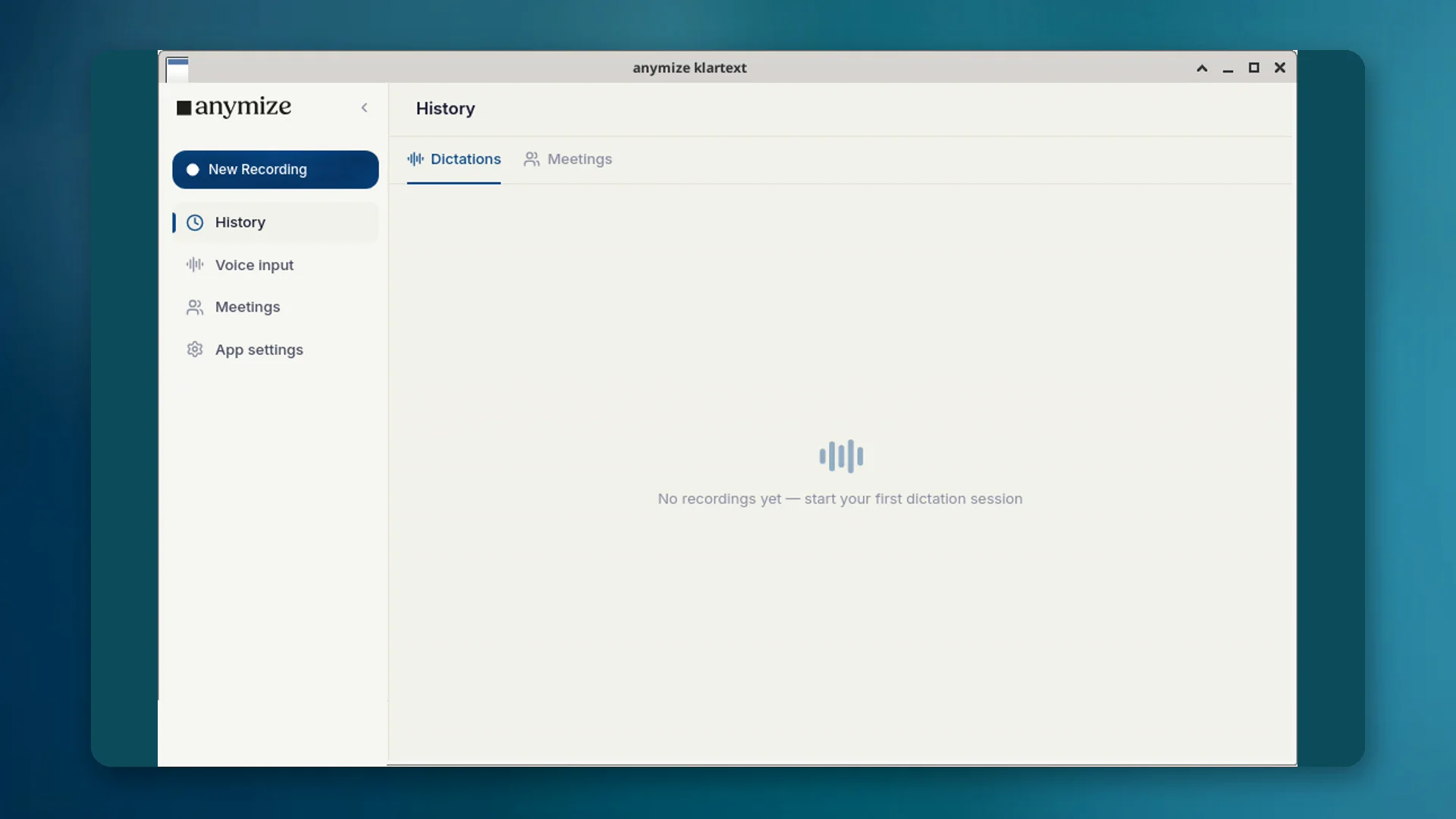
Klartext er skrivebordsappen for taleinput i anymize-kontoen din. Start opptaket med en snarvei, snakk, og den ferdige teksten havner der markøren står: e-post, Word, nettleser, fagsystem. KI-en fjerner fyllord og retter grammatikk og tegnsetting uten å forvrenge det du mener.
Under Apps → Klartext ser du rene transkripsjoner: diktat på skrivebordet, liveopptak og importerte lydfiler (Importer lydfil). Møteopptak med notater ligger under Apps → Møter; detaljsiden i Klartext viser tekst, valgfri avspilling, kopiering og eksport, uten møtefaner.
To modi: Klartekst og Beskyttet
| Modus | Snarvei | Virkning | Fakturering |
|---|---|---|---|
| Vanlig | Ctrl + mellomrom (Mac: Option + mellomrom) | Vanlig taleinput; teksten renses og settes inn. | Ubegrenset i Starter, ingen kreditter |
| Beskyttet | Ctrl + Shift + mellomrom (Mac: Option + Shift + mellomrom) | Personopplysninger anonymiseres før transkripsjonen. | Bruker anonymiseringskreditter |
Beskyttet modus er den avgjørende forskjellen fra amerikanske dikteringsverktøy: sensitivt innhold forblir konfidensielt uten at du selv må maskere hvert ord.
Når Klartext i stedet for chat
Bruk Klartext når du vil skrive i et annet program ved å snakke. Bruk chatten når du trenger et svar, en analyse eller et artefakt fra KI-en.
- Diktere et saksnotat i Word → Klartext
- Importere lyd som ren transkripsjon → Klartext; med tittel og notater → Møter
- Stille et spørsmål om en kontrakt → Chat
- Diktere et sensitivt avsnitt som ikke må nå en modell i klartekst → Beskyttet modus
Slik setter du det opp
- 01Last ned skrivebordsappen for Windows, macOS eller Linux fra product/klartext, og installer den.
- 02Logg inn med samme anymize-konto som i nettappen.
- 03Test snarveiene: Ctrl + mellomrom for Vanlig, Ctrl + Shift + mellomrom for Beskyttet (på Mac Option i stedet for Ctrl). Du kan endre dem i innstillingene i appen.
- 04Vedlikehold gjerne ordboken og tekstbitene dine, slik at fagbegreper forblir riktige.
Transkripsjoner vises under Apps → Klartext og synkroniseres mellom enheter. Den samme motoren er tilgjengelig via API-et (POST /api/v1/transcriptions, mode=transcript).
Personvern og hosting
Transkripsjonen går gjennom anymize på infrastruktur i Tyskland. I Beskyttet modus anonymiseres personopplysninger før de når en KI. Anonymiseringsordboken (Alltid / Aldri) gjelder som ellers på plattformen.