DokumentationTil admins
Egne modeller (BYOM)
Bring Your Own Model: tilslut OpenAI-kompatible endpoints med Name, Endpoint URL, Model id og API-nøgle. Nøgler AES-256-GCM-krypteret, anonymisering foran, rettigheder via Governance Center.
5 min. læsningOpdateret
Hvad Bring Your Own Model er
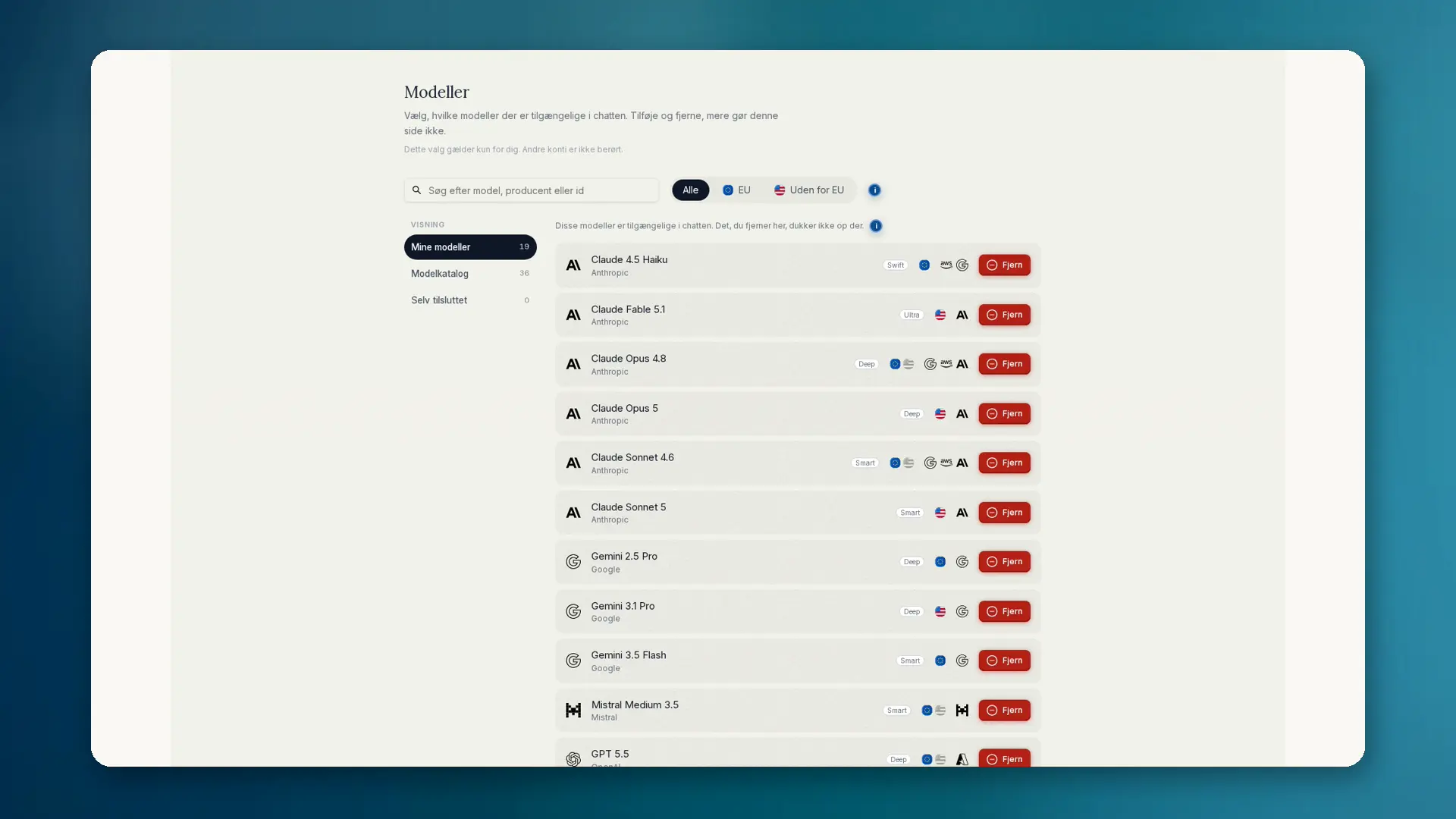
Nogle teams driver deres egne modeller: selvhostet, som cloud-deployment eller hos en europæisk udbyder. Med BYOM forbinder du enhver OpenAI-kompatibel model til anymize. Du skal bruge navn, endpoint-URL, model-id og API-nøgle.
- Test forbindelsen, før den tages i brug
- Valgfrit eget ikon til modelvælgeren
- Vises under Selv tilsluttet / egne modeller
- Opret personligt eller for teamet
- Egne modeller bruger ingen anymize-credits; du betaler udbyderen
Sådan sætter du det op
- 01Åbn Indstillinger, og vælg Governance.
- 02Åbn Governance Center, derefter Modeller → Selv tilsluttet → Tilføj model.
- 03Indtast navn, endpoint-URL, model-id og API-nøgle (OpenAI-kompatibel).
- 04Klik på Test forbindelse. Først derefter kan modellen vælges i chatten. Egne modeller bruger ingen anymize-credits.
- 05Vælg eventuelt et ikon. I chatten vælger du modellen under Selv tilsluttet / egne modeller.
API-nøglen gemmes krypteret med AES-256-GCM og sendes aldrig tilbage til browseren. Før hver brug kontrollerer anymize, hvem den tilhører.
Governance og anonymisering
Anonymiseringen kører før BYOM ligesom før enhver anden model. Gruppers modeltilladelser gælder også her. Admins kan blokere personlige egne modeller for hele teamet: compliance-reglen Bloker personlige egne modeller. Teammodeller forbliver tilladt.
Detaljer om modelvalg og forskellen mellem valg og tilladelse står under Governance: Modeller.
Hvornår BYOM giver mening
- Egen on-premise- eller EU-hostet model med særlig kontrakt
- Interne modeller, der ikke findes i det offentlige katalog
- Teams, der vil have model og governance på én arbejdsplads